Your file server, reachable from anywhere your people are.
Teams spread across offices, homes, and countries still need one authoritative place for their documents. AIZ Vault is that place — with access that does not depend on somebody remembering to connect to a VPN first.
Files sprawl the moment a team stops sharing a building.
It rarely happens deliberately. Someone cannot reach the share from home, so they email a copy. Someone else puts a folder in a personal cloud account to work on a plane. Within a year there are four versions of the important document and no way to tell which one is current.
The fix is not another storage product on top of the ones you have. It is making the authoritative location genuinely easy to reach, so that working around it stops being the path of least resistance.
Shadow copies are a usability symptom, not a discipline problem. People take the shortest path to doing their job.
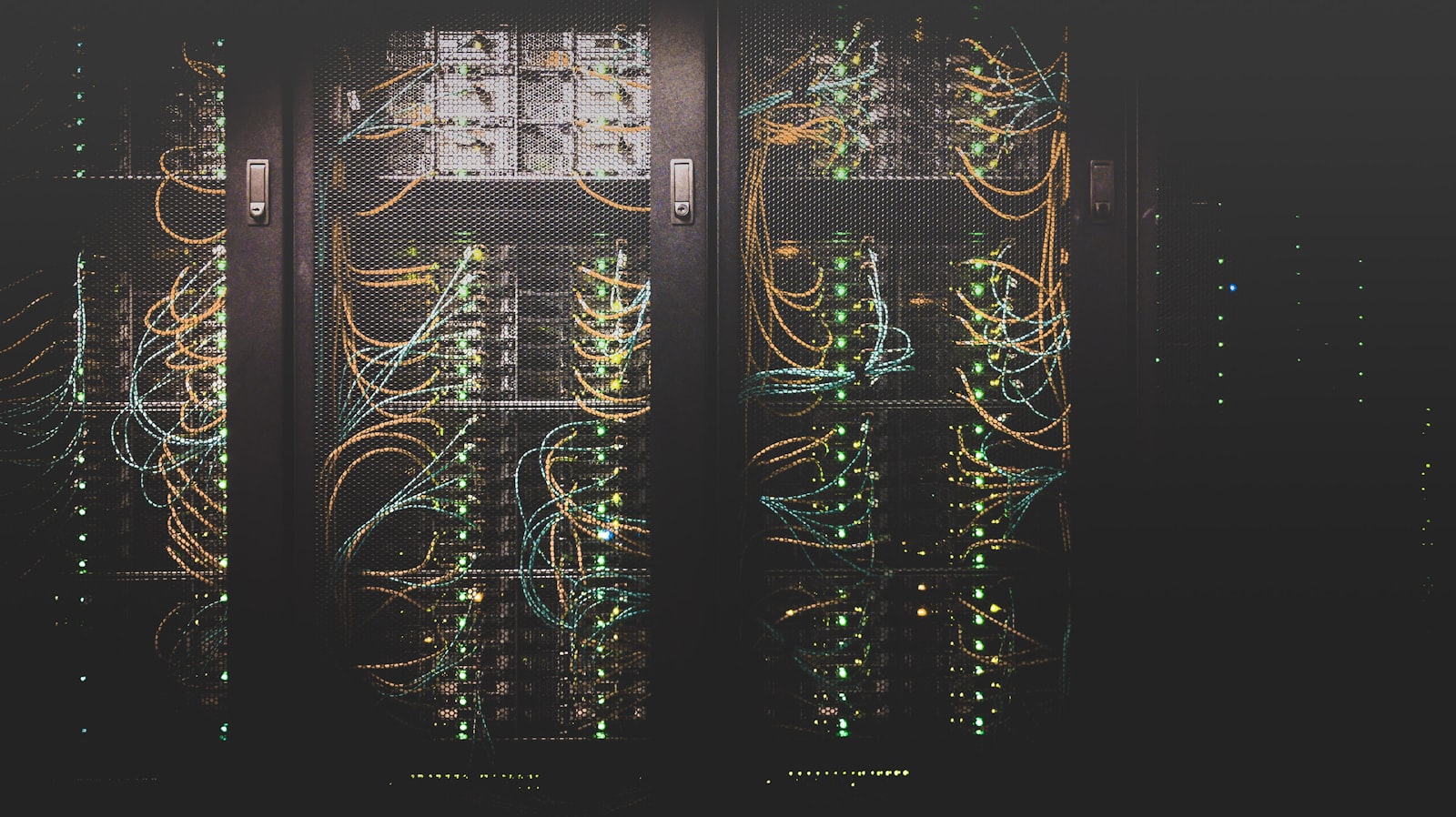
Three layers, and what each one is responsible for.
Understanding the split matters, because it determines what you control, what is enforced centrally, and where your data physically lives.
The control layer is the point of the product. Storage and clients are commodities; deciding and proving who reached which file is not.
What administrators get.
The people who have to answer for where documents went need more than a file browser. These are the controls that matter when somebody asks the question formally.
- Central permissions
- Access granted by role and by folder from one place, so removing someone removes them everywhere rather than in six systems.
- Access without VPN
- Staff reach files from wherever they are working, without a tunnel that has to be connected first and that fails at the worst moments.
- Concurrent-edit protection
- File locking so two people cannot silently overwrite each other's work on a shared document.
- Activity history
- A record of who opened, changed, shared, or deleted a file — the thing you need when a client or a regulator asks.
- Version recovery
- Earlier copies retrievable without going to backup tape, which also covers the most common ransomware scenario.
- Regional placement
- Where the data physically sits can be chosen to match the rules that apply to your sector and jurisdiction.
What people ask before moving their files.
No, and we would advise against it. Migrations run department by department so that a problem affects one team rather than the whole organization. The old share usually stays readable in parallel until the new arrangement has earned trust.
They get reviewed rather than copied. Permissions on a file share that has been running for a decade are almost always broader than anyone intends, and lifting them across unchanged carries the problem forward. Part of onboarding is showing you who can currently reach what, which is frequently the most uncomfortable document in the project.
For most staff, very little — on desktop it appears as a drive letter and behaves like the share they already use. The people who need real training are administrators, because the permission model is where mistakes have consequences.
Your files remain your files, in their original formats and folder structure. There is no proprietary container to unpack, and we will assist with an export rather than making the exit the difficult part of the relationship.
They are separate. Plenty of clients run AIZ Vault and nothing else, and plenty engage our IT services without using the Vault. They fit together well — a file migration often surfaces infrastructure worth addressing — but neither requires the other.
See it against your own folder structure.
A walkthrough is more useful than a feature list. Bring the share that causes you the most trouble and we will show you how it would look.